I Built and Deployed a Customer-Support Agent in 11 Minutes — Here’s Exactly How

Support Agent
Most “AI agent” tutorials end where the interesting part begins. They show you a chat window, congratulate you, and leave you wondering how the thing actually gets onto your website where real customers can use it. So I decided to run a stopwatch. Blank dashboard to a live, embeddable support agent answering questions on a test site — no code, no infrastructure, no waiting. It took eleven minutes. This post is the exact play-by-play, so you can beat my time.
Before the walkthrough, one number worth sitting with: AI now resolves roughly 30% of customer service cases, a figure that industry surveys project will climb toward 50% by 2027. On the cost side, a single AI-handled interaction runs around fifty cents, while a human-handled support ticket ranges from six to forty dollars depending on complexity. The gap is enormous — and closing it used to require an engineering team. That’s the part that’s changed.
What I set out to build
The goal was deliberately unglamorous, because unglamorous is what actually ships. I built a support agent for a fictional SaaS product called “Nimbus Notes” — a note-taking app. The agent needed to do three things well: answer questions about pricing tiers, walk users through password resets, and know when to hand off to a human. No fancy integrations for round one. Just a competent front-line agent that could live in the corner of a webpage and deflect the repetitive questions that eat up a support team’s day.
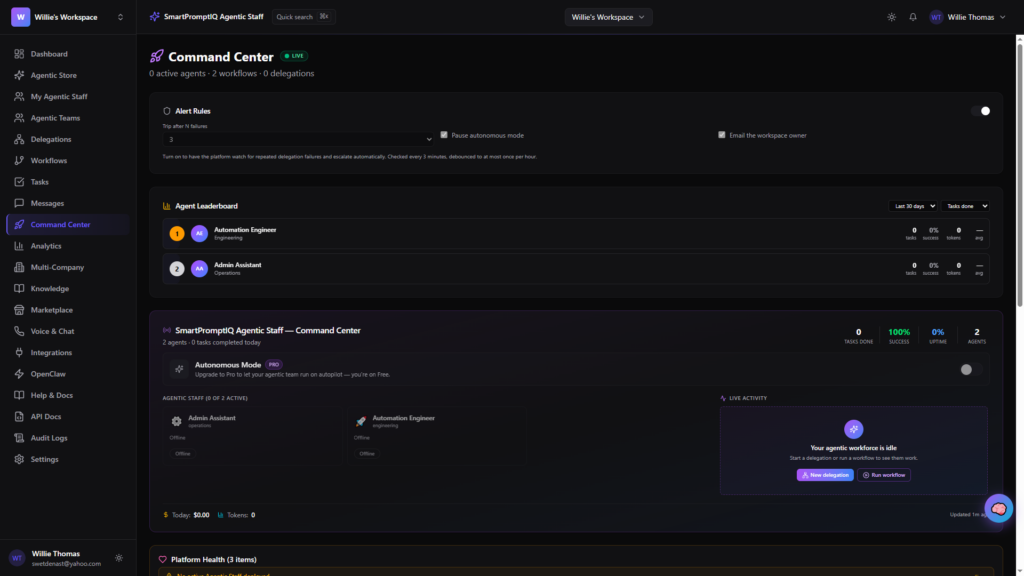
If you want to follow along, open the SmartPromptAgents dashboard in one tab. Everything below happens there.
The eleven-minute run
Minutes 0–2: Naming and the system prompt. After creating a new agent, the only thing that truly matters at the start is the system prompt — the instructions that define your agent’s personality, scope, and boundaries. I gave Nimbus a short, specific brief: be friendly but concise, only answer questions about Nimbus Notes, and if a user is frustrated or asks for a refund, offer to connect them to a human. This is the single highest-leverage step in the whole process. A vague prompt produces a vague agent. Two focused sentences here saved me ten minutes of debugging later.
Minutes 2–4: Choosing the model. Because the platform runs on OpenAI and Anthropic models, I got to pick the brain rather than settle for whatever was bolted on. For a support agent, I wanted strong instruction-following and a warm tone, so I selected a mid-tier model — capable enough to stay on-script, cheap enough to run at volume. This choice isn’t permanent; swapping models later is a dropdown, not a migration. That flexibility matters more than people realize when your monthly bill starts scaling with traffic.
Minutes 4–7: Feeding it knowledge. An agent is only as good as what it knows. I pasted in Nimbus Notes’ pricing table and a short FAQ covering password resets. This is where the “wow” started for me: within seconds of saving, the test panel on the right could correctly answer “How much is the Pro plan?” and “I forgot my password, what do I do?” — pulling straight from the material I’d just given it. No retraining, no reindexing wait. You edit, you test, you see the change immediately.
Minutes 7–9: Testing the edges. Good testing means trying to break your own agent before a customer does. I asked it three things it shouldn’t answer cleanly: a question about a competitor, a demand for a refund, and something completely off-topic (“what’s the weather?”). The refund request triggered the human-handoff behavior exactly as instructed. The competitor and weather questions got polite redirects back to Nimbus. Where the answers drifted, I tightened the system prompt and re-tested — a thirty-second loop, not a deploy cycle. This tight feedback loop is the real unlock; iteration speed is what separates a demo from a product.
Minutes 9–11: Going live. Here’s the moment the whole thing pays off. I opened the deploy panel, grabbed the embeddable chat widget snippet — a single line of code — and dropped it into a plain test HTML page. Refresh. There it was: a chat bubble in the bottom-right corner, and clicking it opened my agent, live, answering questions. Eleven minutes from empty dashboard to a working support agent on a page. If a widget isn’t your style, the same agent is also reachable through a REST API, so a developer could wire it into a mobile app or backend workflow instead. Same agent, three front doors.
What surprised me
Three things stood out once the clock stopped.
First, the system prompt did most of the heavy lifting. I expected the knowledge base to be the make-or-break element. In practice, the behavioral instructions — tone, scope, when to hand off — shaped the experience far more than the raw facts did. If you only polish one thing, polish that.
Second, testing and deploying weren’t separate phases. On traditional stacks, “test” and “ship” are different worlds with different tools and a nervous gap between them. Here they were the same motion. That collapses the psychological barrier that keeps so many side projects from ever going live.
Third, provider choice is a feature, not a footnote. Being able to pick between OpenAI and Anthropic — and switch later without rebuilding — means you’re never trapped by one vendor’s pricing or one model’s quirks. Given that resolution rates vary dramatically by task type, the freedom to match model to job is genuinely valuable.
The math that makes eleven minutes worth it
It’s easy to build something because it’s fun and forget to ask whether it pays off. So let’s do the arithmetic, because for a support agent it’s unusually clean. Say your support inbox gets 1,000 repetitive questions a month — pricing, password resets, “where’s my invoice.” Handled by people, at a conservative six dollars per ticket, that’s roughly $6,000 a month of human time spent on questions a machine can answer. Route even 40% of them to an agent at around fifty cents each, and you’re spending $200 to deflect $2,400 of labor. That’s not a rounding error; that’s a part-time salary freed up for the hard problems only humans should touch.
The reason this matters more now than it did two years ago is that agents finally clear the quality bar for real deflection. Industry benchmarks put first-contact resolution on modern AI-native platforms in the 55–70% range, a world away from the frustrating decision-tree bots people learned to distrust. The eleven-minute build isn’t a toy anymore — it’s a genuine first line of support. And critically, the eleven minutes is a one-time cost. The deflection compounds every single month after.
You don’t have to start from scratch
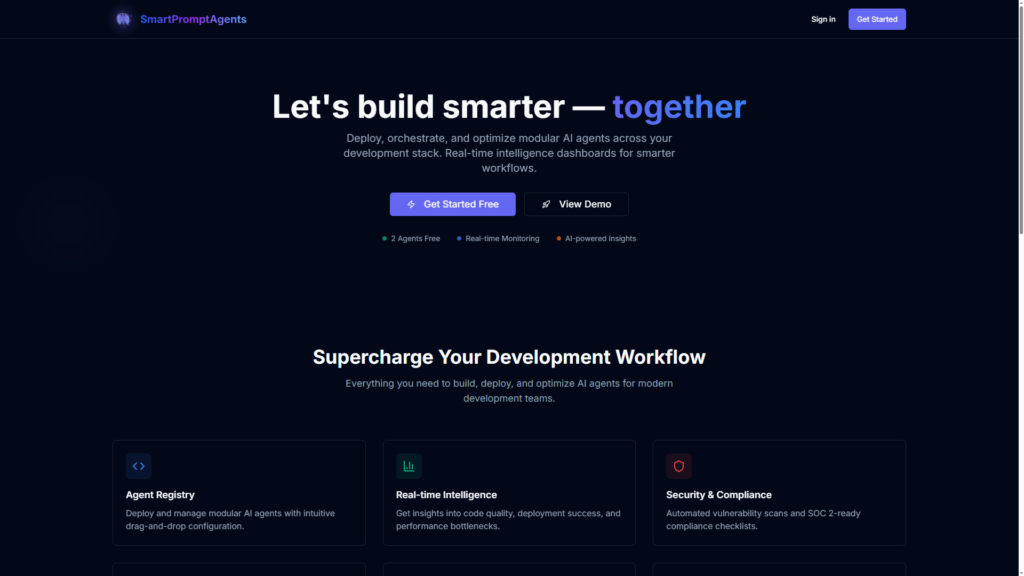
Here’s the part I wish I’d known before I began: I didn’t need to build Nimbus from a blank slate at all. The SmartPromptAgents marketplace is full of pre-built agents you can fork and adapt — support bots, lead qualifiers, onboarding guides, research assistants. Starting from a proven agent and swapping in your own knowledge base could have shaved my eleven minutes down to five. If you’re reading this to solve a real problem rather than to learn the tooling, browse the marketplace first and build second.
And if you build something good, the marketplace runs both directions. That competent little support agent you just made? Other people are looking for exactly that. Packaging your work into a reusable agent that others can deploy is its own quiet opportunity — a topic worth its own post.
The takeaway
The barrier to a working AI agent used to be technical: servers, pipelines, model access, glue code. That barrier is mostly gone. What remains is clarity — knowing what you want your agent to do, giving it the right instructions, and testing it honestly. Those are product skills, not engineering skills, and you already have them.
Eleven minutes. One system prompt, one model choice, one knowledge base, and one line of embed code. That’s the whole recipe. The customer questions piling up in your inbox aren’t waiting for a big project — they’re waiting for eleven focused minutes.
Ready to beat my time? Start building on the dashboard or browse the marketplace for an agent you can make your own today. If you get stuck, our documentation (swap in your real docs URL here) walks through each step in detail — and I’d love to hear what you shipped.
Building AI agents for your business? SmartPromptAgents lets you build, test, and deploy agents anywhere — dashboard, REST API, and an embeddable chat widget, powered by OpenAI and Anthropic. Get started free (swap in your signup URL).