What an AI Command Center Looks Like (Inside SmartPromptAgents)

By Willie Thomas — Founder, SmartPromptIQ Ecosystem
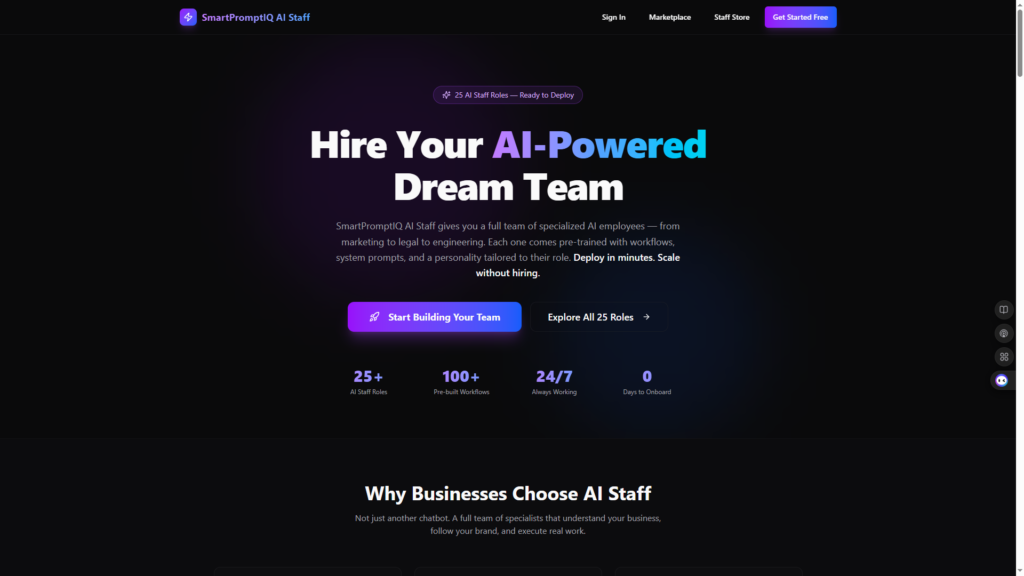
Most AI platforms talk about dashboards. SmartPromptAgents doesn’t do dashboards — it gives you a Command Center.
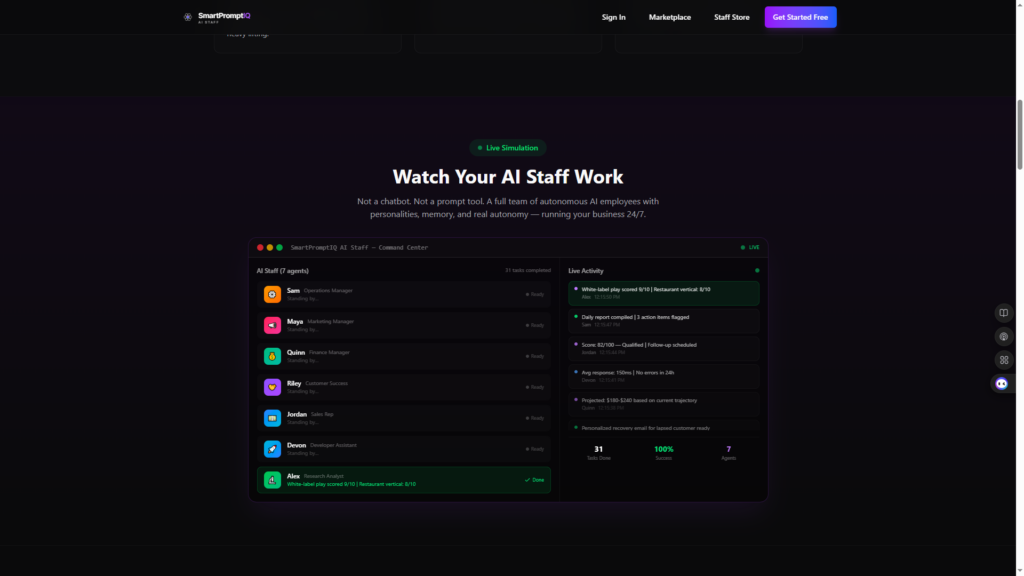
A real operational brain for your business. A place where your agents work, your workflows run, your alerts surface, your uptime is monitored, your security is tracked, and your intelligence grows. A place where you can actually see your AI ecosystem operating in real time.
And if you’ve opened the SmartPromptAgents platform (https://www.smartpromptagents.com), you already know: this isn’t theory. It’s live. It’s working. It’s visible.
This is one of the strongest differentiators in the entire AI industry — and it’s the foundation of how modern businesses will operate going forward.
Support, Success, Revenue, Engineering — All in One Command Center
Businesses today are drowning in operational noise:
- Too many tools
- Too many dashboards
- Too many alerts
- Too many disconnected systems
- Too many manual workflows
- Too many fires to put out
Gartner reports that enterprise teams waste 40–60% of their time switching between tools, and McKinsey shows that knowledge workers spend most of their day on work that could be automated.
The solution isn’t “more dashboards.” It’s centralized intelligence.
A single place where:
- All data converges
- All agents operate
- All workflows run
- All alerts surface
- All decisions become clear
That’s the AI Command Center — and SmartPromptAgents is the first platform to show it visually, operationally, and intelligently.
The First Thing You See: Your AI Stack, Alive and Moving
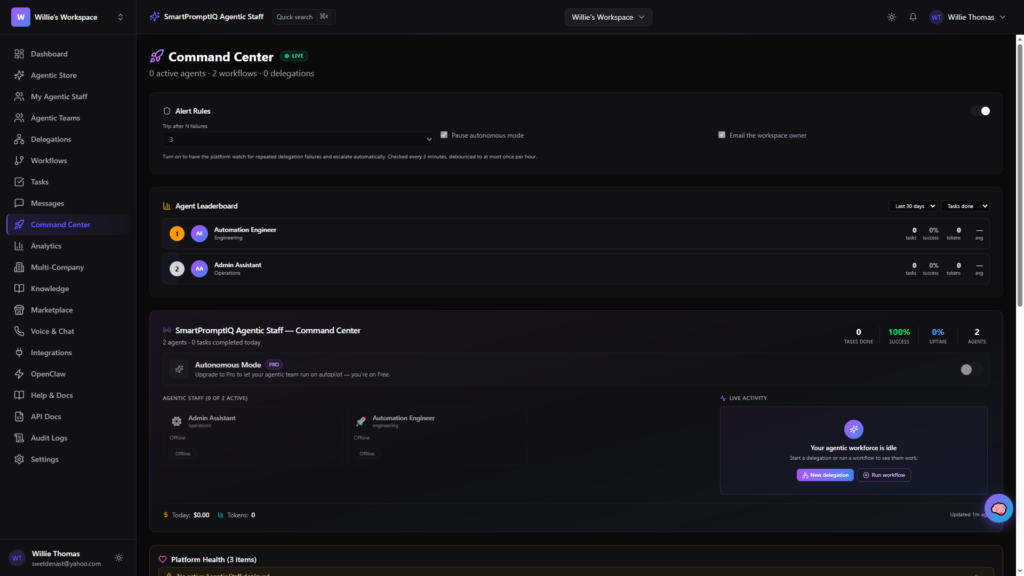
When you open the SmartPromptAgents Command Center, you’re not greeted by a static dashboard. You’re greeted by a live operational environment.
Across the top of the interface, you see your entire AI ecosystem:
Dashboard, Agents, Phone Agents, Intelligence, Workflows, Templates, Visual Builder, Collaboration, Multi-Agent Teams, Analytics, A/B Testing, Behavior Management, Marketplace, Plugins, Governance, Documentation
This is your AI operations cockpit — not a chatbot UI.
And because SmartPromptAgents integrates directly with SmartPromptIQ (https://www.smartpromptiq.com) and AI Staff (https://www.smartpromptiq-staff.com), your entire ecosystem is unified.
Real-Time Agent Metrics (Your AI Workforce at a Glance)
Your Command Center shows exactly what your agents are doing:
- Active Agents
- Hours Saved This Week
- Efficiency Score
- Success Rate
- Average Response Time
Your live page shows:
- 0 active agents
- 12 hours saved this week
- 100% success rate
- 2,485 ms average response time
This is the heartbeat of your AI workforce.
Most platforms hide this. We show it — because visibility is power.
Recommended Agents & Workflows (Adaptive Intelligence)
Your Command Center doesn’t just show what’s happening — it shows what you should deploy next.
You see recommended marketplace agents like:
- Salon & Spa Receptionist
- Cost Analytics Dashboard
- Performance Optimizer Pro
And recommended workflows like:
- Chatbot Deployment
- API Performance Testing
This is adaptive intelligence — your system learning what you need based on your behavior.
And because these agents live inside the SmartPromptAgents Marketplace (https://www.smartpromptagents.com/marketplace), you can deploy them instantly.
Natural Language Builder (Describe Anything, Build Instantly)
One of the most powerful parts of the Command Center is the natural language builder:
“Describe what you want in plain English — we build it instantly.”
Examples from your live page:
- Summarize customer support emails
- Scan codebase for vulnerabilities
- Monitor API performance
- Turn meeting notes into action items
This is where the Command Center becomes a creation engine.
You’re not clicking through menus. You’re speaking your intent — and the system builds the workflow.
Agent Registry (Your AI Workforce Control Room)
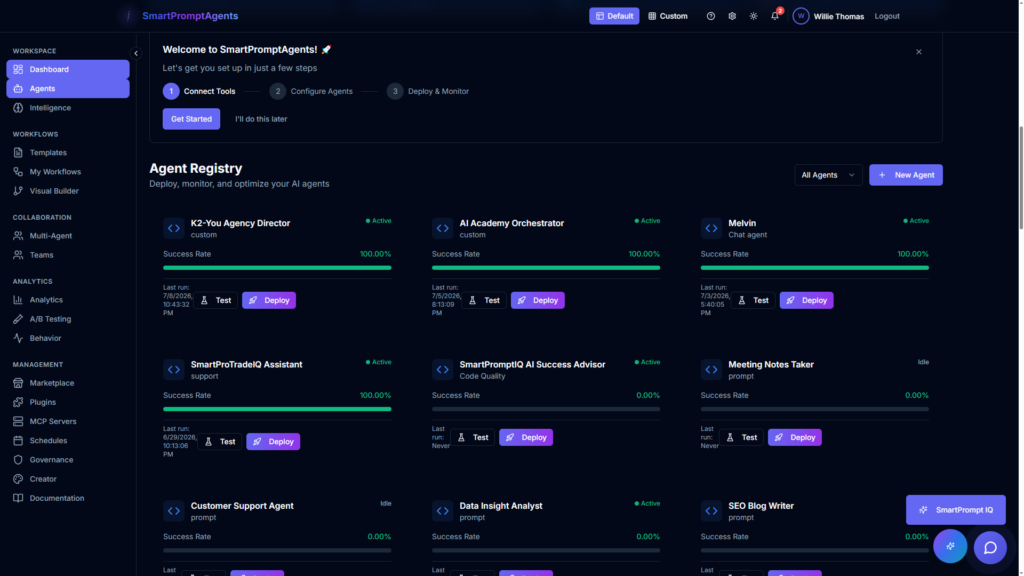
The Agent Registry is where you deploy, monitor, and optimize your agents.
You see:
- Agent types
- Models
- Status
- Success rate
- Last run time
- Execution history
Your page shows:
- SmartPhone Agent
- Status: Idle
- Success Rate: 100%
- Last run: 7/15/2026, 5:12 PM
This is your AI workforce control room.
Intelligence Dashboard (Your Operational Pulse)
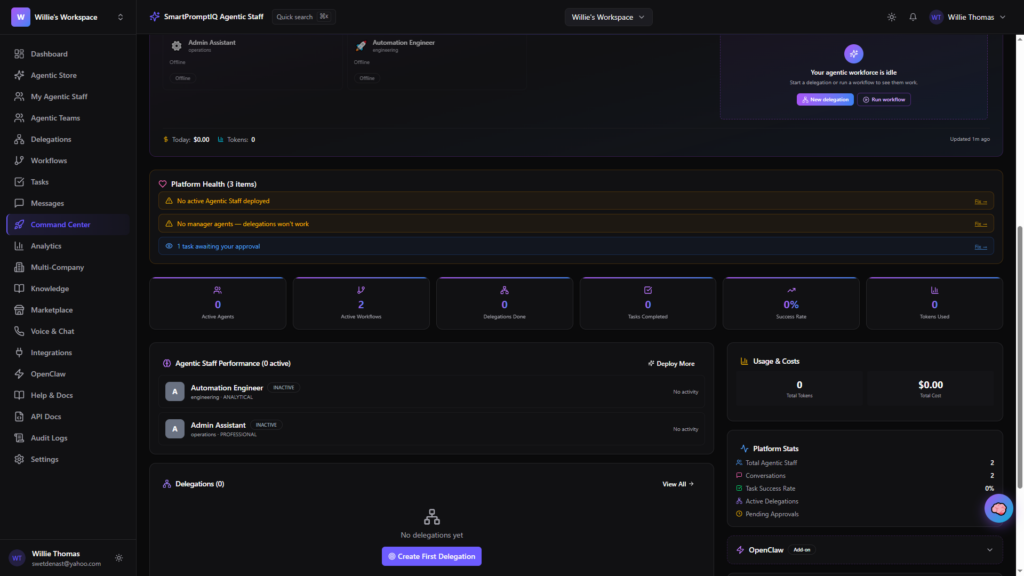
This is one of the strongest differentiators in the entire ecosystem.
You see:
- Commits this week
- Successful deployments
- Open bugs
- Performance score
- Development activity
- Cost optimization
- Monthly savings
- Infrastructure optimization
- API usage optimization
- Storage cleanup
This is not a chatbot platform. This is an engineering-grade intelligence dashboard.
Adaptive Intelligence (Your System Learns You)
Your Command Center tracks:
- Learned patterns
- Confidence levels
- Active suggestions
- Implemented learning patterns
Your page shows:
- 0 learned patterns
- 0% confidence
- 0 active suggestions
- 0 implemented learning patterns
- “Start using agents to see AI adaptation in action.”
This is the foundation of autonomous operations.
Self-Healing Mode (Autonomous Recovery)
This is where SmartPromptAgents becomes truly enterprise-grade.
Self-Healing Mode allows agents to:
- Detect issues
- Resolve them automatically
- Follow healing rules
- Log actions in the audit trail
- Respect safety settings
- Limit daily actions
- Follow confidence thresholds
- Trigger notifications (Slack, email)
This is the future of operations — systems that fix themselves.
Platform Integrations (Your Entire Stack Connected)
Your Command Center shows every integration:
- Supabase
- Docker
- Vite
- GitHub
- PowerShell
- AWS
Each with connection status and configuration options. Your page shows:
- 0 connected
- 0 pending
- 6 available
This is your integration control panel.
Recent Activity (Your Operational Timeline)
You see every action your agents take:
- New agents created
- Deployments
- Executions
- Updates
- Logs
Your page shows:
“Created new agent: SmartPhone Agent — 6 days ago.”
This is your operational timeline — your AI audit trail.
Why This Matters: The Command Center Is the Differentiator
Most AI platforms give you a chatbot. Some give you a workflow builder. A few give you analytics.
SmartPromptAgents gives you:
- A live agent workforce
- Real-time operational metrics
- Intelligence dashboards
- Cost optimization
- Uptime monitoring
- Security visibility
- Adaptive intelligence
- Self-healing systems
- Integration control
- Activity logs
- Natural language creation
- Multi-agent teams
- Full governance
- Full analytics
- Full operational clarity
This is the Command Center. This is the differentiator. This is why SmartPromptIQ is becoming the AI operating system for modern businesses.